9:41FR•••
RECIPE 024Quiet Interior
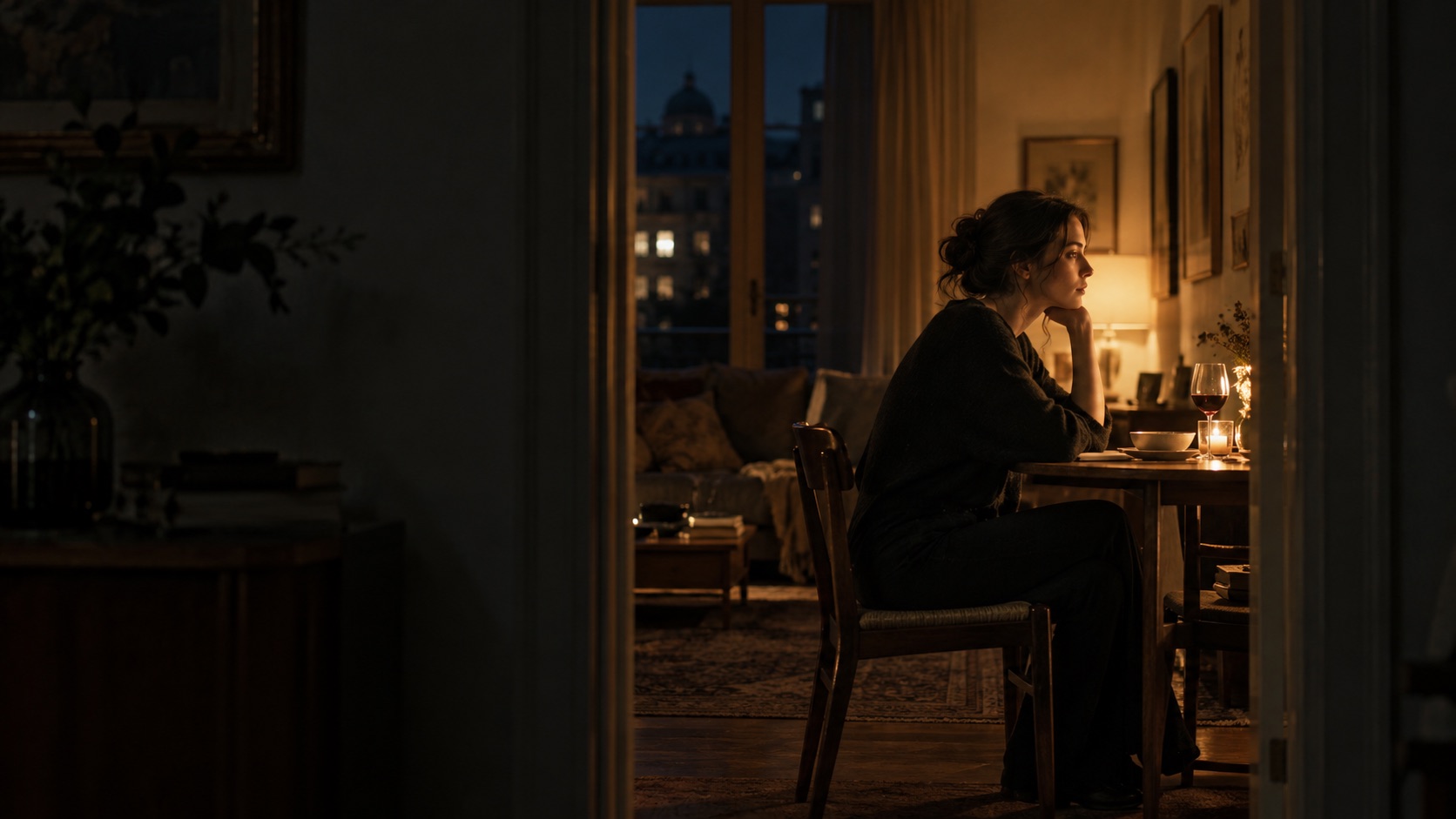
CameraVENICE 2
Lens42MM · T2.8
Exposure800 EI · 4300K
LightingLITEMAT 4 · 2400K
VISUAL MOCKUP
Recipes
Frame · setup · technical record
Every image has a story behind its creation. FrameRecipe preserves the camera, lens, lighting, technical settings, diagrams, and behind-the-scenes details that brought a frame to life—so image makers can study, share, and recreate their work.
FrameRecipe brings four planning views into one cinematography workflow—from the real location to the intended composition.
Capture estimated room geometry and turn a real location into an editable lighting-plan starting point.
Explore spatial planning ↓02Preview the selected camera, sensor mode, lens, focal length, aspect ratio, and anamorphic setup.
See the landscape interface ↓03Plan around the sun's trajectory by date and time while scouting the location.
See Sun Path ↓04Move through the scanned room from the planned camera position and explore the scene in perspective.
Explore the 3D frame ↓A setup comes together through dozens of decisions. Six months later, the image is easy to remember. The placement, distances, settings, and modifiers are not.
FrameRecipe preserves the setup while it is still in front of you.
Build a top-down diagram from the same camera, lighting, modifier, height and distance details recorded with the Recipe. LiDAR-assisted room capture can provide estimated room geometry where supported.
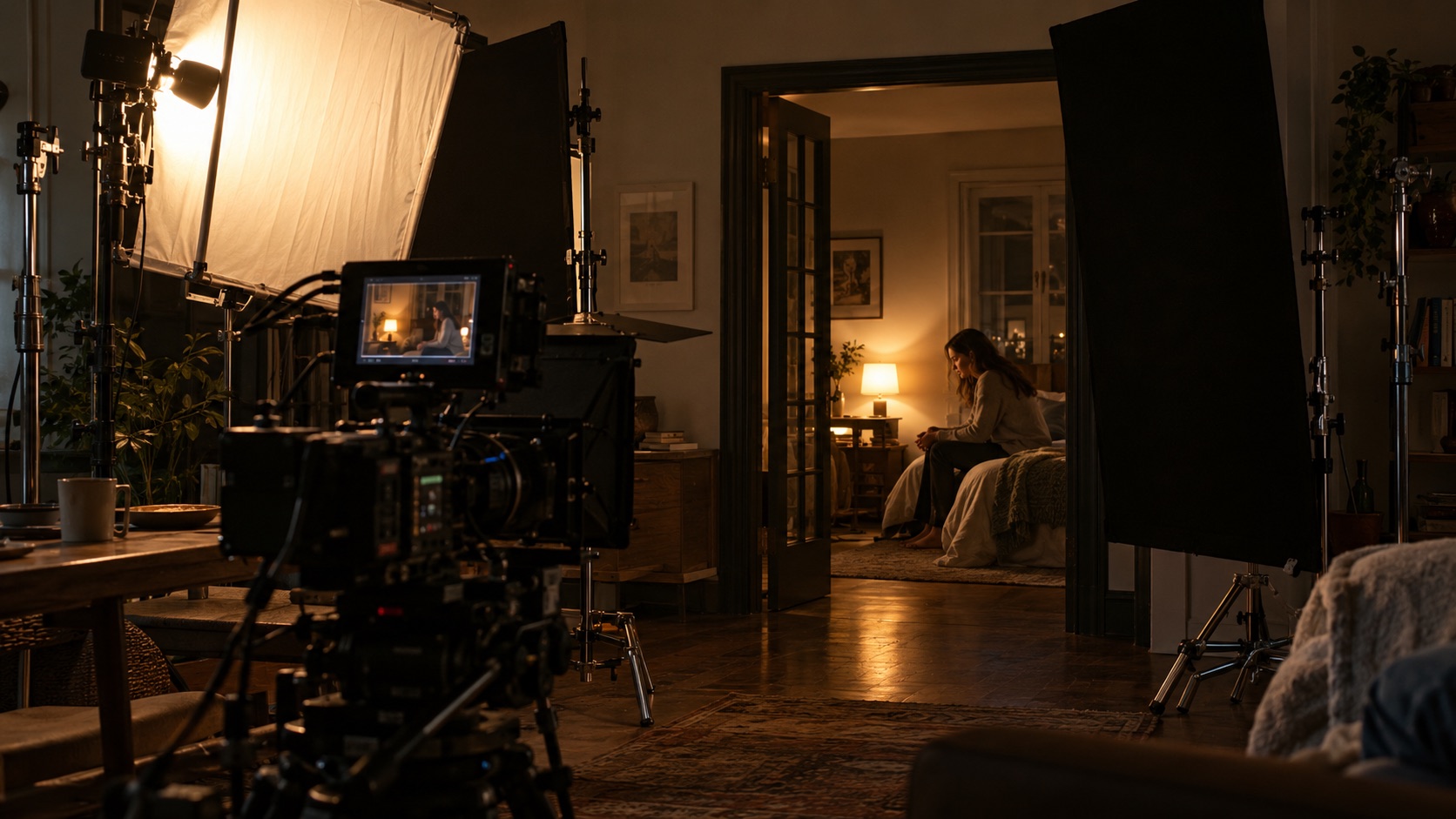
Take the BTS photo, identify the key, record the distance, then take the next view. FrameRecipe carries forward the camera, lens, project equipment, and everything the Recipe already knows.
Enter it once. Use it wherever it belongs.
One connected workflow for scouting, documenting a setup, preserving the technical record and presenting the craft behind the image.
Frame · setup · technical record
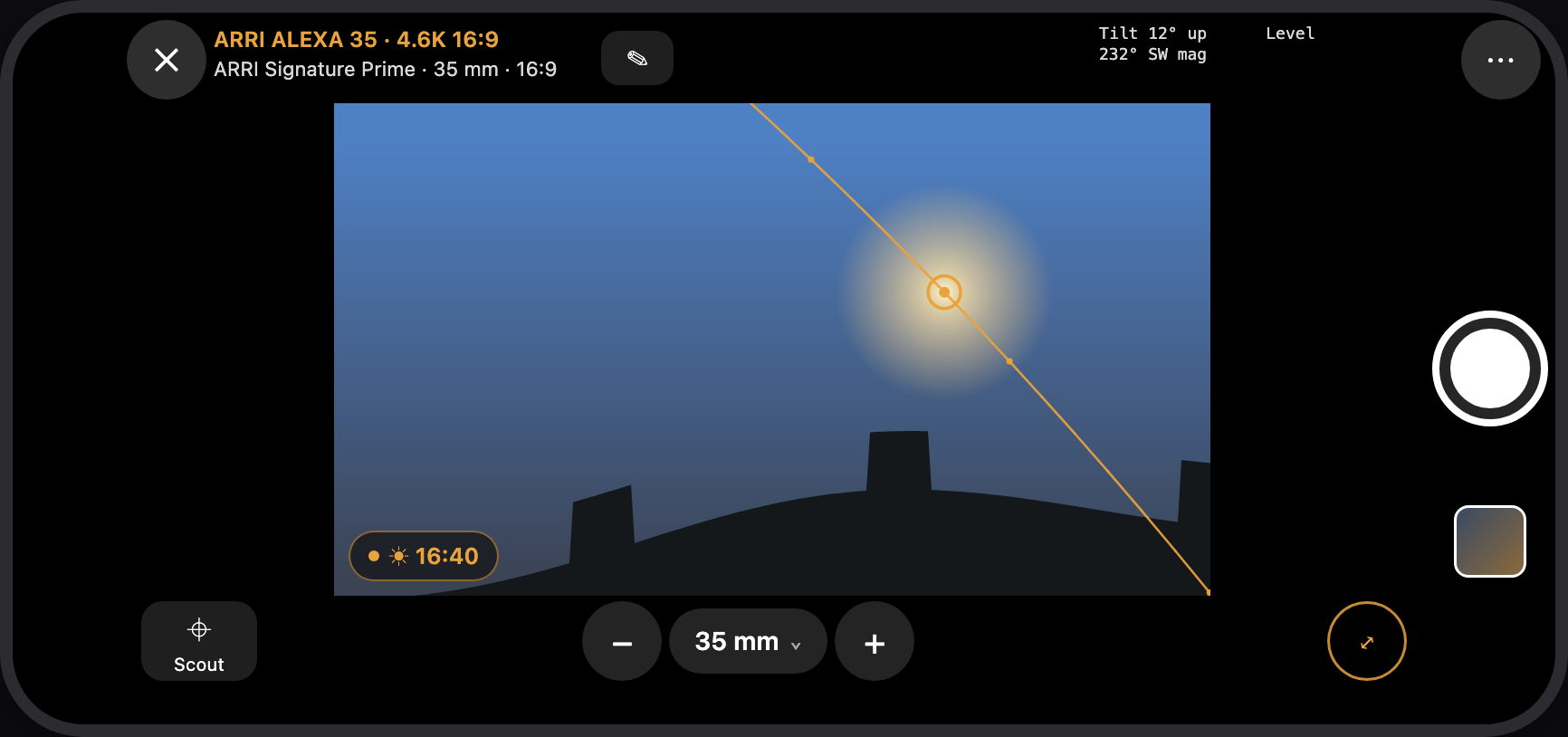
Scout · frame · follow the sun · save
Compose · credit · export · share
Preview compositions in landscape with the selected cinema camera, sensor mode, lens, focal length, aspect ratio, and anamorphic configuration. Capture a scouting reference to Photos or keep it with a Project or Recipe.
In development: The landscape interface shown reflects FrameRecipe's Viewfinder controls and Sun Path design. Sun Path is implemented in source but still requires outdoor alignment, localization, privacy, and device-layout verification. Surround View and independent Frame Guides remain research concepts.
On a supported iPhone or iPad, scan a location with LiDAR to create an estimated, editable spatial starting point. Keep visual references with the room, then explore the planned scene through the Recipe's camera, sensor mode, and lens.
The location becomes part of the Recipe—not a separate sketch you have to rebuild.
Scan estimated walls, doors, windows, and room objects, review the result, then carry the location into the floor plan and lighting diagram.
Retain selected still views associated with a scan as visual references for the space. FrameRecipe does not present this as a complete photorealistic reconstruction.
Move through the planned room with the Recipe's camera, sensor mode, lens, and focal length. Save the result as a clearly identified planning reference.
Conceptual website visualization. LiDAR room dimensions are estimates, not survey measurements. Device support and complete spatial workflows require final physical-device verification.
A production can have several cameras, changing lenses, and a shared pool of lights. Each Recipe records only what it actually used.
You shot it six months ago. Now you can reconstruct it.
Every Recipe adds to a searchable personal archive of lighting choices, lenses, cameras, modifiers, exposure decisions, and setups worth repeating.
The value is not seven separate tools. It is the way the location, intended frame, finished image, technical record, and final presentation stay connected.
Use Cinema Viewfinder, LiDAR room scanning, and 3D visualization to scout the location and explore the frame.
Save the finished frame with its camera, lens, exposure, lighting, BTS photographs, diagram, and production notes.
Turn the Recipe into a polished Showcase that communicates the image and the decisions behind it.
FrameRecipe is intended to launch as a free download with one Project and up to three Recipes. The planned Pro upgrade unlocks unlimited Projects and Recipes through one lifetime purchase—not a subscription.
Planned model. Final purchasing availability and price remain subject to StoreKit and App Store verification.
Build a visual presentation from finished frames, behind-the-scenes photographs, lighting diagrams, camera and lens details, technical metadata, and credits. Showcase helps image makers communicate both the image and how it was made.
The presentation shown here is an illustrative website example. Final layouts and export combinations remain subject to product QA and owner approval.
Follow @framerecipe for the craft behind the image.
CloudKit synchronization and Project sharing are implemented in FrameRecipe, connecting Projects, Recipes, and their documentation across the workflow.
Keeps Projects, Recipes, and relevant documentation connected through the image maker's iCloud account on supported devices.
Lets collaborators work from connected Project documentation instead of disconnected screenshots, messages, and notes.
Implementation is complete in the app source. Production CloudKit schema deployment, sharing permissions, and final two-device release validation remain outstanding.
FrameRecipe helps image makers plan their shots, preserve their setups, and share the creative and technical decisions behind their work.
Email for launch updates